I’ve blogged about this in the past but it seemed to be overlooked. I blame the poor choice of title. In any event, I figure it would be worth revisiting as I’ve had a few suggestions on it being a good topic.
note: Your mileage may vary. I’ve seen these steps suggest a much faster repository and in other cases they can end up being slower. Perhaps try two or three until you find a good one.
Updating Your Repository Server
Software packages and security updates are made available in Ubuntu by way of a software repository. These repositories are mirrored all over the world, many times very close to where you live. I, for example, have three mirrors within 50 miles of my house. These are generally much faster than the core Ubuntu repositories.
To find a repository near you, or have your system scan for the fastest (which may or may not be local to you), you will need to launch the Software Sources tool. This can be found in:
System > Administration > Software Sources
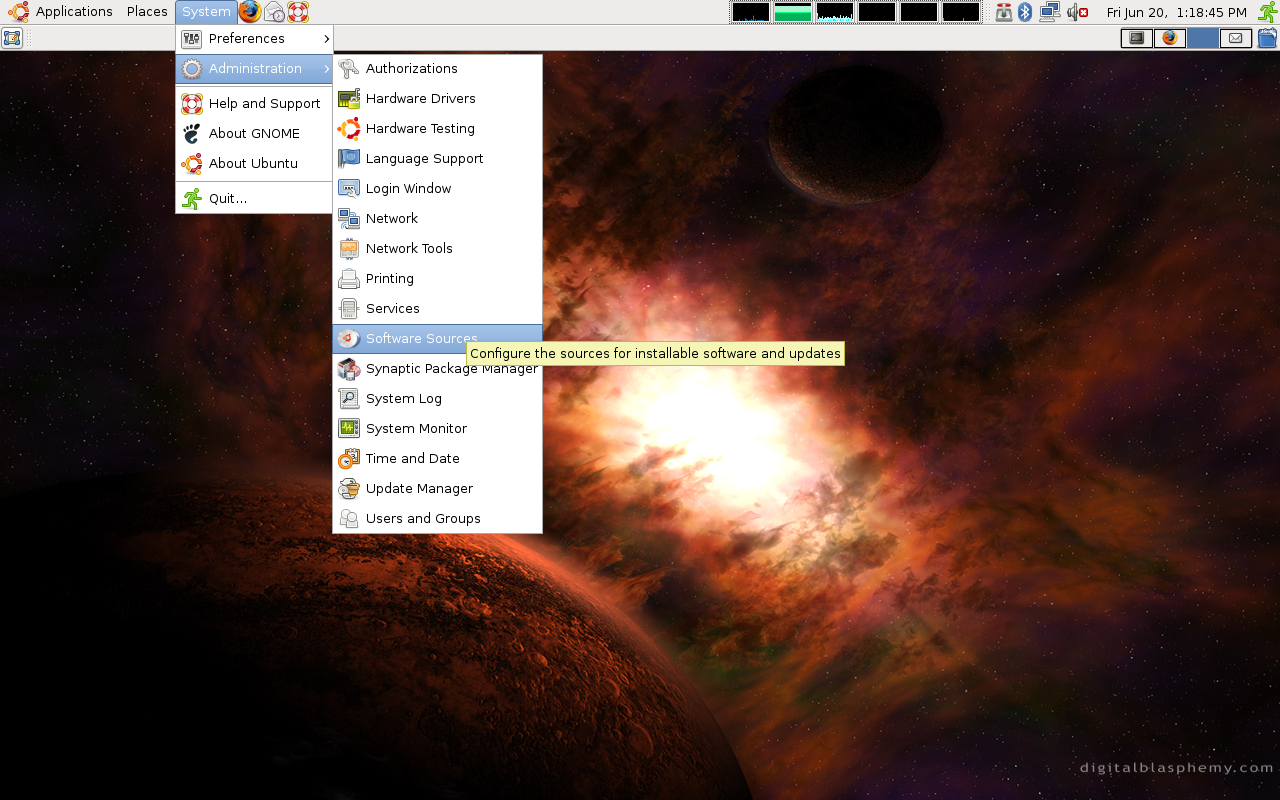
This administrative menu will allow you to change the location of your repository, and which items within the repository you want to subscribe to. You will have the most software available if all boxes are checked.
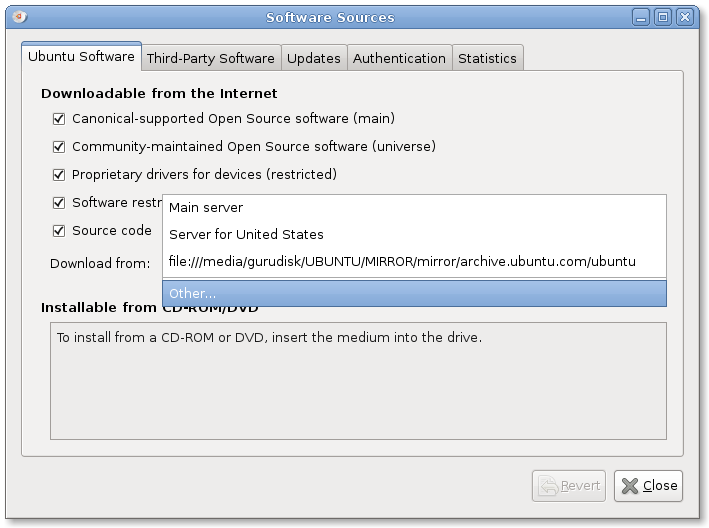
From here we’ll want to select “Other” from the drop-down menu and we’ll be provided with a list of available servers.
To have your system try and find the fastest server you can select the “Select Best Server” option, which will try to connect to each repository mirror and track the fastest responses. The location selected when this process is done should be the fastest available mirror at that time.
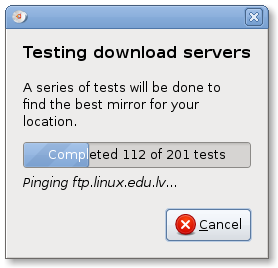
Remember, repository mirror speeds can fluctuate based on traffic and other factors. For best results you might try this scan periodically and find which mirrors are consistently the best for your location. Enjoy!
This is a good tip. Setting the repository to the nearest mirror is quite an improvement over the default.
I’ve actually had mixed experienced with the automatic selection though. I’ve found that there is a faster mirror close to my house that doesn’t generally get automatically selected. Perhaps it doesn’t respond to single ping requests well.
To get more traffic to this page, you might be interesting in added a line such as: “apt-spy for Ubuntu”.
When I made the switch from Debian to Ubuntu, I wanted to find an equivalent to apt-spy, and that was typically the search string that I would use.
Between this tutorial and your ‘How To Create An Ubuntu Repository Mirror on Ubuntu 8.04’ post these are two great things.
However do you have a tutorial on here (I did not find one after a quick seach) on how to add a repository to your local machine for it to search out?
For instance if I have a mirror on my network and I go to a friend’s home for the weekend with my laptop and need to run updates from there, my local mirror is not the fastest (or available) choice. So I can run this utility to find a fast public server there. But when I return home how do I find the local server again using this same method?
I’m not on an Ubuntu system at the moment so it may become obvious once I’m there.
How does it know which sites to test for ? For example, here in Australia, Telstra have a local mirror of most of Ubuntu 8.04. They are at “deb http://mirror.gamearena.com.au/ubuntu gutsy-security main restricted” etc, etc. I don’t think the “Find Fastest Repository” takes this repo into account. For me (being a Telstra cable customer) it is most definitely the fastest mirror, but doesn’t show up.
Does anybody know when Ubuntu 8.04.1 is coming out?
According to the schedule, it’s today actually.
Yeah, how do we create the local repository for ubuntu?
Ta
I have wanted something like this for ages. I had no idea it was built in. Thanks!
Excellent thanks.
"you will need to launch the Software Sources tool."
It would be helpful to tell us how to find/install Software/Sources tool.
Just what I'm looking for, thanks!
Just what I'm looking for, thanks!
Just what I'm looking for, thanks!